
How College Students Actually Use AI Writing Tools
College students today are under more pressure than ever. Between essays, projects, emails, presentations, and deadlines stacked on top of each other, it is easy to feel overwhelmed. That is why many students look for tools that can help them stay organized, write more clearly, and manage their workload.
This post is for educational purposes only. It is written for students who want help learning, not shortcuts for cheating. AI writing tools are not a replacement for thinking, studying, or doing your own work. Your education and your future matter far more than getting through one assignment the easy way.
When used the right way, AI tools can help students brainstorm ideas, improve clarity, fix grammar, and better understand difficult topics. They can support the learning process without crossing academic or ethical boundaries.
In this guide, we break down the best AI writing tools for college students, what each one is good at, and how to use them responsibly. The goal is not to write for you, but to help you write better, learn faster, and stay on track without putting your academic integrity at risk.
List of AI Writing Tools
Below are some of the most popular AI writing tools students use today. Each tool is explained simply, followed by how I personally use it. These tools are meant to support learning, not replace it.
1) DeepSeek
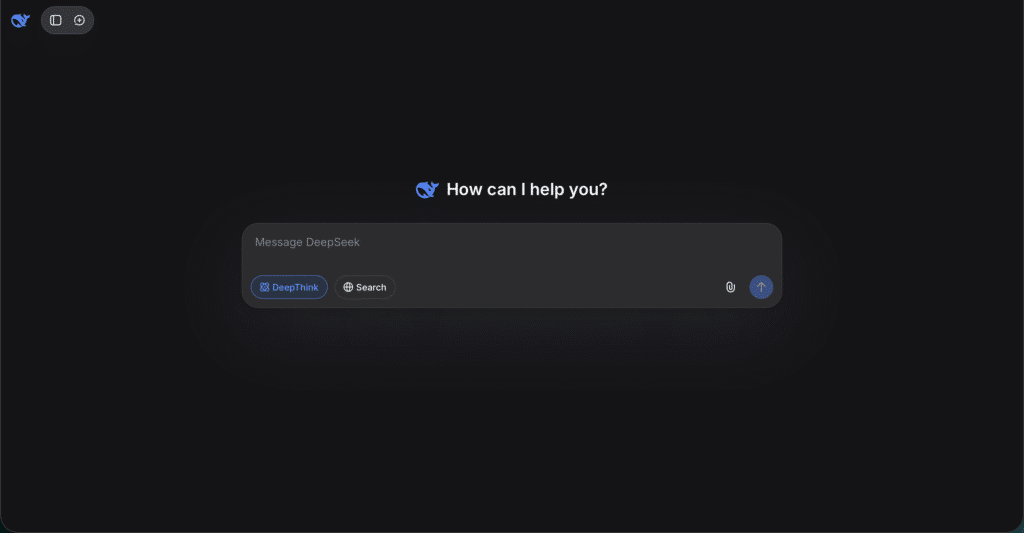
DeepSeek is a newer AI chatbot known for its deep search and reasoning strength. It offers a strong understanding of complex queries and provides detailed responses. It became popular for its speed and focus on meaningful answers.
My experience
I found DeepSeek especially helpful for brainstorming and breaking down tricky or technical topics. In some cases, it gave more idea-rich responses than ChatGPT, particularly for project summaries and technical explanations. It is a good free alternative right now.
2) ChatGPT
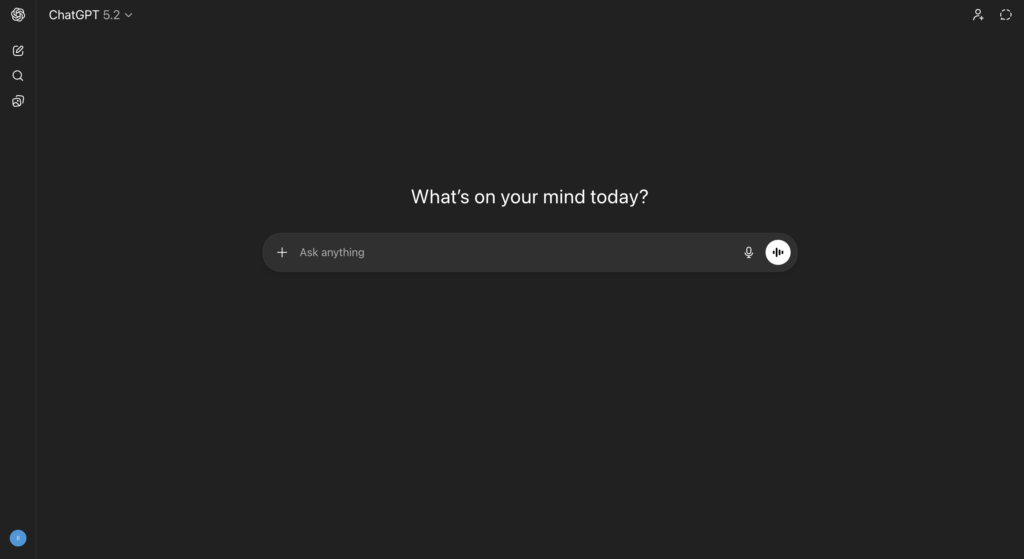
ChatGPT is an AI assistant made by OpenAI that generates human-like text based on what you ask it. It can write essays, explain topics, answer questions, and help brainstorm ideas. ChatGPT works through conversations, which allows you to guide it step by step when you need help with writing or rewriting.
My experience
The first time I used ChatGPT was when GPT-3.5 launched. I used it for a technical computer networking assignment to understand the writing pattern and improve how I explained concepts. It helped me write better and organize my thoughts, but I still did the actual work myself.
What I learned is that ChatGPT works best when you give very precise prompts. Generic prompts give generic answers. If you are studying computer science, you need to include specific computer science terms. If you tell it the level, like college-level writing, the output becomes much more useful. It is best used for editing, structure, and getting a good starting idea.
3) Qwen AI
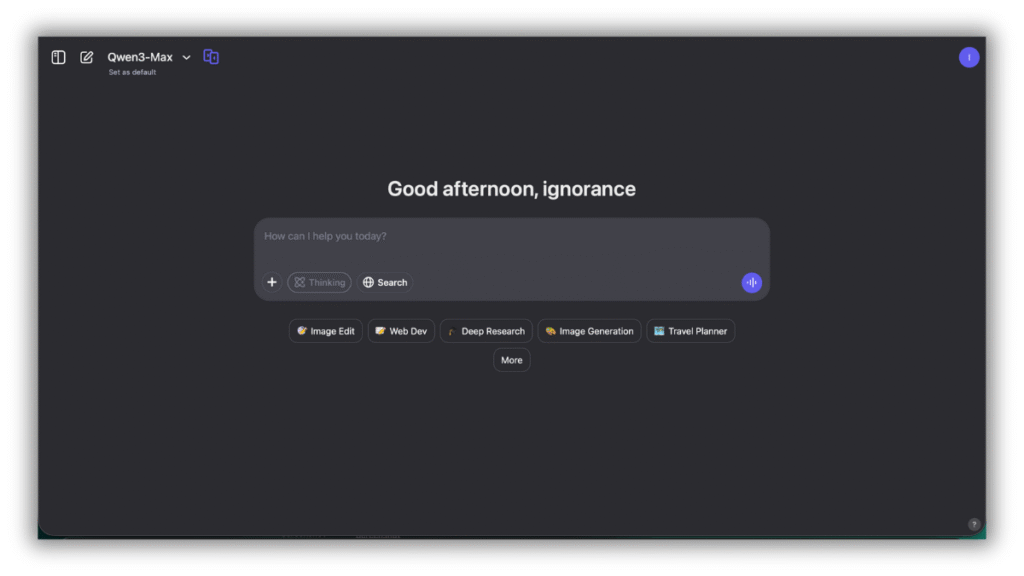
Qwen AI is an AI model developed with a strong focus on understanding different languages and context. It performs well when you need clear explanations or content that feels less robotic.
My experience
Qwen AI worked well when I needed a second perspective or clearer phrasing for complicated points. Sometimes its responses felt more natural than other tools, which helped when rewriting explanations. Like DeepSeek, it is free and useful to compare answers.
4) Grammarly
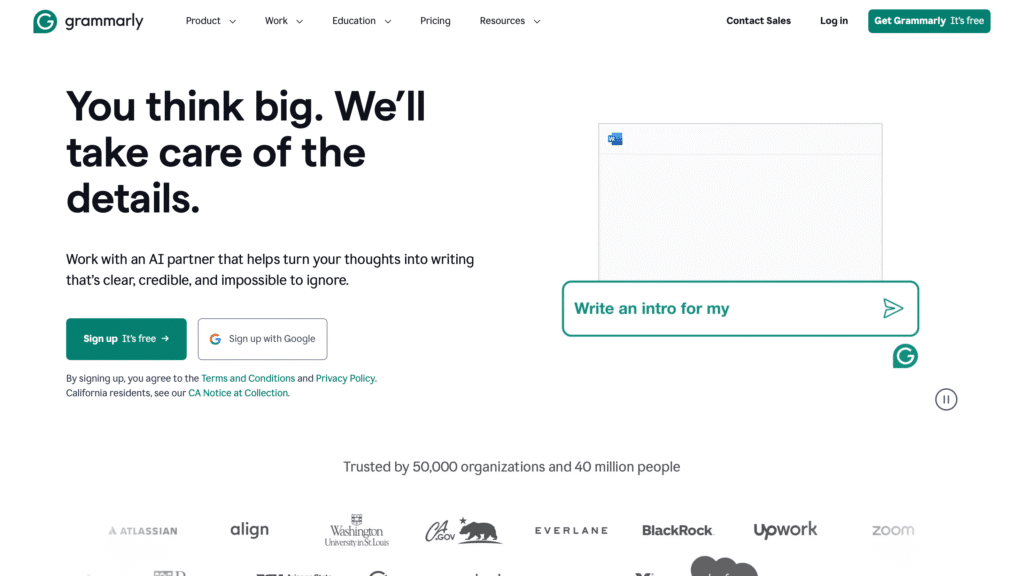
Grammarly is an AI writing assistant designed to help you communicate clearly and effectively. It checks grammar, spelling, tone, and clarity while preserving your voice.
My experience
Grammarly is honestly a lifesaver. I used it a lot for emails and assignments. It helped fix grammar and spelling mistakes and made my writing sound more respectful and professional, especially when I was unsure about tone.
5) QuillBot
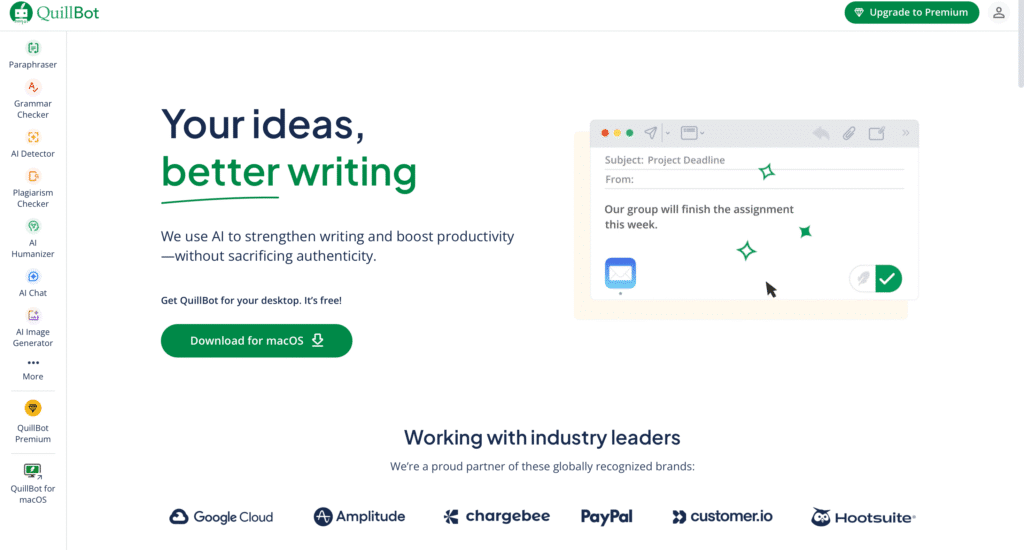
QuillBot offers AI writing features like paraphrasing, grammar checking, tone analysis, and citation generation. It helps writers express ideas more clearly and efficiently.
My experience
I mostly used QuillBot for paraphrasing and APA citation help. While AI detectors are not perfect, QuillBot helped me rephrase sentences and polish drafts before submission. It was useful when improving clarity, not hiding copied work.
6) Perplexity AI
Perplexity AI combines generative AI with search, which allows it to find answers and summarize information from the web. This makes it especially useful for research before writing.
My experience
I mainly used Perplexity for academic research and finding sources in a more accurate way. It felt like Google on steroids. It worked best before writing, helping me understand topics and gather reliable information.
7) Claude AI
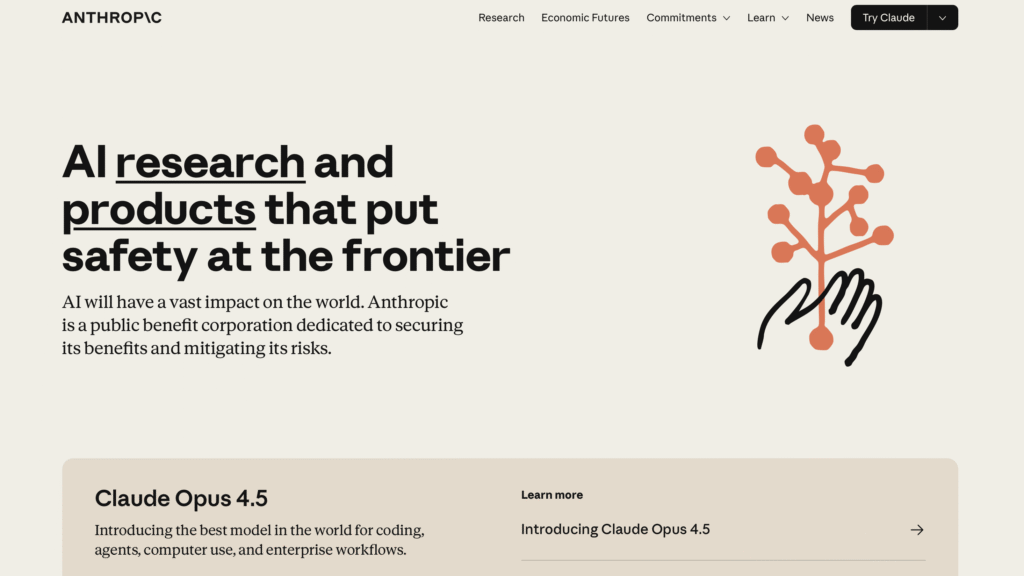
Claude AI is built by Anthropic as a next-generation AI assistant trained to be safe, accurate, and helpful for many tasks. Claude is known for structured writing and handling long pieces of text.
My experience
Claude felt better for technical and structured writing. I used it when long explanations felt overwhelming. Its responses were calm, clear, and well organized, which helped improve flow and understanding.
8) Kimi AI
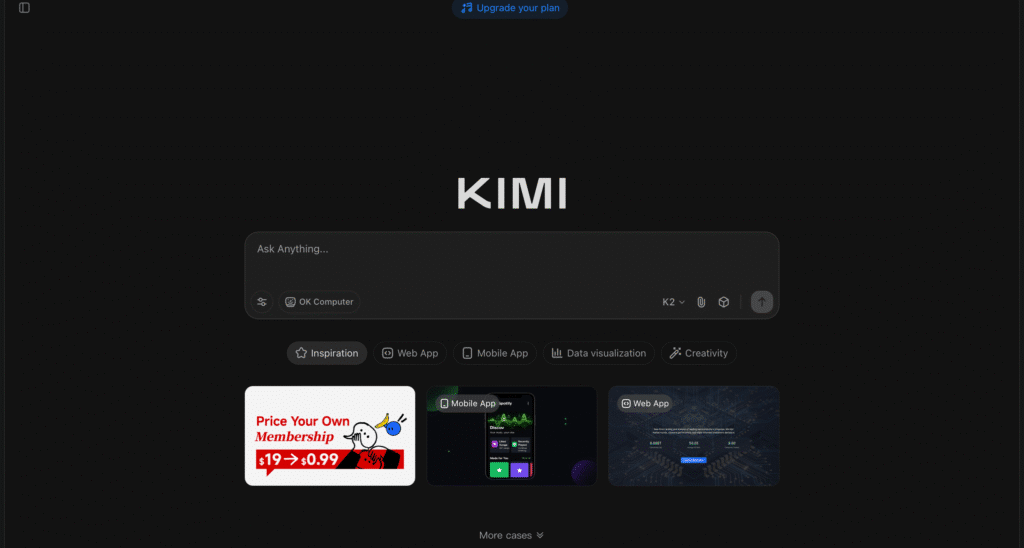
Kimi AI is a large language model developed by Moonshot AI that supports long-context conversations and strong reasoning across topics.
My experience
I used Kimi AI for idea generation and clearer explanations. Its writing felt more natural compared to some other tools, especially during longer conversations.
Academic Integrity, Plagiarism, and AI Detection
Using AI writing tools can be helpful for college students, but it is important to understand how academic integrity works in real college settings. Academic integrity means the work you submit must be your own. Every university has rules about honest work, and many schools now include policies about AI tools.
Some instructors allow AI to help with brainstorming, understanding topics, or editing. Others do not allow AI-generated text at all unless you clearly disclose it. Because rules can vary by class, the safest move is always to check your syllabus or ask your professor before using AI tools.
Plagiarism means presenting someone else’s words or ideas as your own. This includes copying from books, websites, or other students. It can also include submitting AI-generated text directly without reviewing it, rewriting it, or explaining how it was used. If you paste AI output into an assignment and turn it in as-is, some colleges may treat that the same way as plagiarism.
Universities often use tools like Turnitin to check student work. These tools compare assignments against large databases of published writing and student submissions. Some platforms also include AI detection features that try to identify writing patterns that look AI-generated.
From my experience, these detection tools are not perfect. They can miss AI use, and they can also flag original writing by mistake, especially if the writing style changes suddenly or sounds too polished. Editing AI output heavily and rewriting it in your own voice lowers the risk, but it does not remove responsibility.
A simple rule to stay safe is to treat AI like a study helper, not a writer. Use it to get ideas, understand difficult concepts, or improve clarity. Always rewrite content in your own words and make sure the final submission reflects your thinking. If your instructor requires disclosure or citation for AI use, follow those rules carefully.
Protecting your academic integrity is more important than finishing one assignment faster. Your reputation, degree, and future matter more than any shortcut.
When You Should Not Use AI Writing Tools in College
There are times in college when using AI writing tools is simply not a good idea. Knowing these situations is just as important as knowing when AI can help.
The most obvious case is exams. This includes take-home exams and online exams where you are expected to demonstrate your own understanding under strict rules. Using AI in these situations can easily cross academic boundaries and lead to serious consequences, even if the help feels small.
Personal reflection assignments are another area where AI tools should be avoided. When a professor asks for your opinions, experiences, or personal growth, AI cannot replace your voice. These assignments are usually graded on honesty and thinking, not perfect wording. Using AI here often weakens the work and makes it clear the response is not fully your own.
You should also avoid AI tools anytime an instructor clearly states that AI use is not allowed. Even if the tool feels helpful or harmless, ignoring this rule creates unnecessary risk. In these cases, relying on your notes, textbooks, and your own drafts is always the safer option.
AI writing tools work best as support, not as a replacement for learning. Understanding when not to use them is part of using them responsibly in college. Making smart choices protects your academic record and helps you build real skills that matter beyond one assignment.
Final Thoughts for College Students Using AI Writing Tools
AI writing tools can be genuinely helpful for college students when they are used with care and intention. They can make writing feel less overwhelming, help clarify ideas, and reduce stress when deadlines pile up. Used the right way, these tools support learning instead of replacing it.
The key is balance. Let AI help you brainstorm, edit, or polish your work, but keep your thinking at the center. Your understanding, your voice, and your effort still matter more than any tool. Professors are interested in how you think and learn, not how advanced your software is.
When you treat AI writing tools as assistants rather than shortcuts, they become a long-term advantage. You improve your writing, learn more efficiently, and stay on the right side of academic integrity while making college life a little easier.
If you found this guide helpful, check out our other blog on college writing, study tools, and smart ways to use technology in school. They are written to help students learn better, not cut corners.